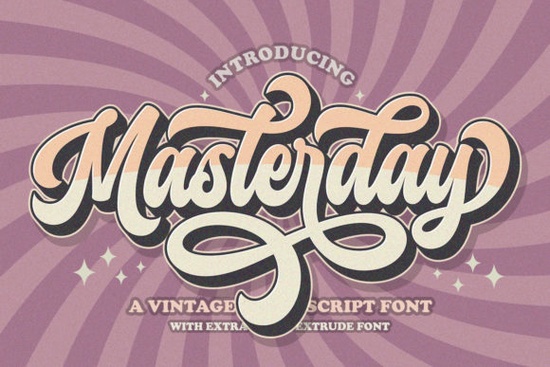
If you're looking for a handwritten font that blends retro charm with modern usability, Masterday Font is worth a closer look. Designed with personality and practicality in mind, it’s especially useful for creators who want expressive lettering without wrestling with complicated software workarounds.
Masterday stands out because it’s PUA (Private Use Area) encoded. That means all its extra glyphs like swashes, alternate characters, and stylistic flourishes are accessible right from your standard design apps (think Canva, Adobe Illustrator, or even Silhouette Studio). No need to dig through character maps or install multiple font files. Just type, and the extras are ready when you need them.
What kinds of projects work best with Masterday?
This font shines in designs that call for warmth, nostalgia, or a personal touch. Think:
- Wedding invitations and save-the-date cards
- Branded packaging for small-batch goods (like candles, soaps, or baked treats)
- Social media quotes and story templates
- T-shirt and tote bag slogans for print-on-demand shops
- Hand-lettered-style signage for cafes or boutiques
Because it’s a script with subtle retro vibes not too bubbly, not too rigid it pairs well with clean sans-serifs or classic serif fonts for contrast. Try combining it with something like California for a West Coast vintage feel, or keep things cozy with Country Kitchen if your project leans rustic.
How does Masterday compare to other handwritten fonts?
Many script fonts look great but lack functional extras. Masterday avoids that pitfall by including a full set of alternates and swashes built into one file. Compare that to fonts that require you to switch between “regular,” “swash,” and “alternate” versions frustrating when you’re on a deadline.
If you’ve used Soulmate, you’ll recognize that same ease of use, but Masterday has a slightly more grounded, mid-century handwriting aesthetic. Meanwhile, Hey Baby leans playful and bouncy, whereas Masterday feels like elegant cursive you might find in a 1960s love letter.
For crafters using Cricut or Silhouette machines, this matters: clean letterforms with minimal overlapping strokes mean smoother cutting and less weeding. The spacing is generous enough that even at smaller sizes, words stay legible something not all script fonts manage well.
Is Masterday good for commercial use?
Yes. Like most Creative Fabrica fonts, Masterday comes with a commercial license when purchased through their platform. That means you can use it on products you sell whether digital planners, mugs, or apparel as long as you’re not redistributing the font file itself. Always double-check the license details on the product page, but generally, it’s safe for small businesses and Etsy sellers.
Tips for getting the most out of Masterday
Because it’s PUA-encoded, make sure your design software supports OpenType features. Most modern programs do, but if you’re using an older version, you might not see all the swashes automatically. In that case, try enabling “stylistic alternates” or “contextual alternates” in your font menu.
Also, don’t overdo the swashes. A single word with a tail flourish can add flair; every word with three swashes can look chaotic. Use them strategically for the first or last letter of a headline, for example.
And remember: pair it wisely. Avoid stacking Masterday with another elaborate script. Instead, let it breathe next to a simple, neutral typeface. You’ll get more visual impact with less clutter.
Ready to try it? You can find Masterday alongside similar options like its own dedicated page on Creative Fabrica, where you can preview it in action and test different word combinations before buying.
Before you download Masterday, check this quick list:
- Confirm your software supports OpenType features (most do, but better safe than sorry).
- Think about your use case: Is this for personal crafts, client work, or POD products? Masterday works for all three.
- Preview it with your actual text not just “The quick brown fox.” Type your real headline or product name to see how it flows.
- Consider pairing options early. Having a secondary font in mind helps avoid last-minute redesigns.
If you love fonts that feel human-written but still professional, Masterday offers a sweet spot between personality and practicality no fluff, just usable style.
Download Now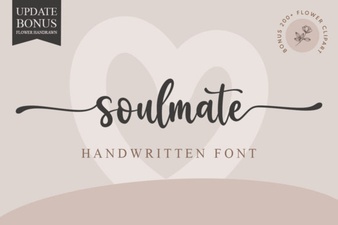 Soulmate Fonts: Designing Emotional Typography
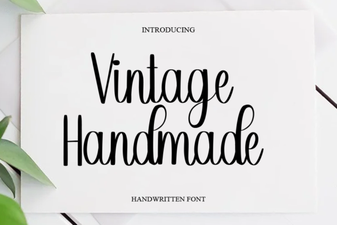 Craft Unique Projects with Vintage Handmade Fonts
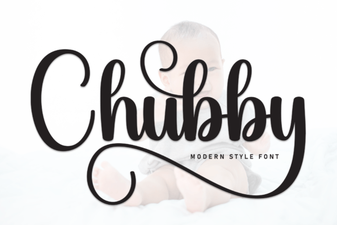 Chubby Fonts: Friendly Designs for Modern Projects
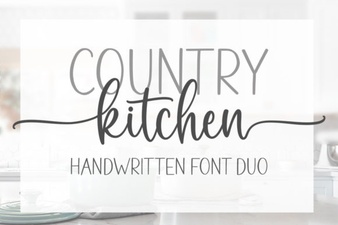 Country Kitchen Fonts for Authentic Home Designs
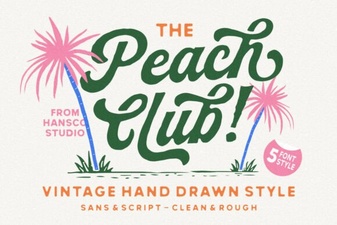 Peach Club Font: Design Guide & Creative Ideas
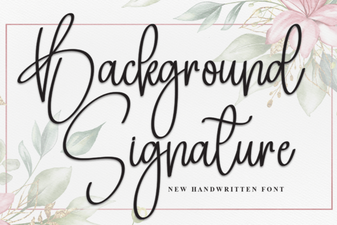 Creative Background Signature Fonts for Design Projects